The Cheapest Per-GB Cloud Storage Gets Even Better With One Trick
Backblaze B2 has the lowest per-GB storage cost among major S3-compatible providers: $0.006/GB/month, or $6 per TB. That alone makes it attractive for large-scale storage. But the real story is what happens when you pair it with Cloudflare.
Through the Cloudflare Bandwidth Alliance, all egress from B2 through Cloudflare becomes completely free. No caps, no ratio restrictions, no fair-use caveats. This makes Backblaze B2 + Cloudflare one of the most cost-effective cloud storage combinations available in 2026, especially for egress-heavy workloads.
The tradeoff is ecosystem depth. B2 does not have the region coverage, native integrations, or compute proximity that AWS S3 offers. For the full multi-provider comparison, see our complete 2026 cloud storage pricing comparison.
Backblaze B2 Pricing Breakdown: Every Fee in One Place
All prices in USD as of April 2026.
Storage
| Tier | Cost per GB/month | Cost per TB/month |
|---|---|---|
| B2 Cloud Storage (single tier) | $0.006 | $6.00 |
| Free tier | $0.00 (first 10GB) | -- |
B2 has a single storage class. No Standard-IA, no Glacier, no tiering policies. Data is always immediately accessible. There is no minimum storage duration -- you can delete data at any time without penalty.
Egress (Data Transfer Out)
| Method | Cost per GB |
|---|---|
| Direct (without Cloudflare) | $0.01 |
| Through Cloudflare (Bandwidth Alliance) | $0.00 |
| Free tier | First 1GB/day (~30GB/month) |
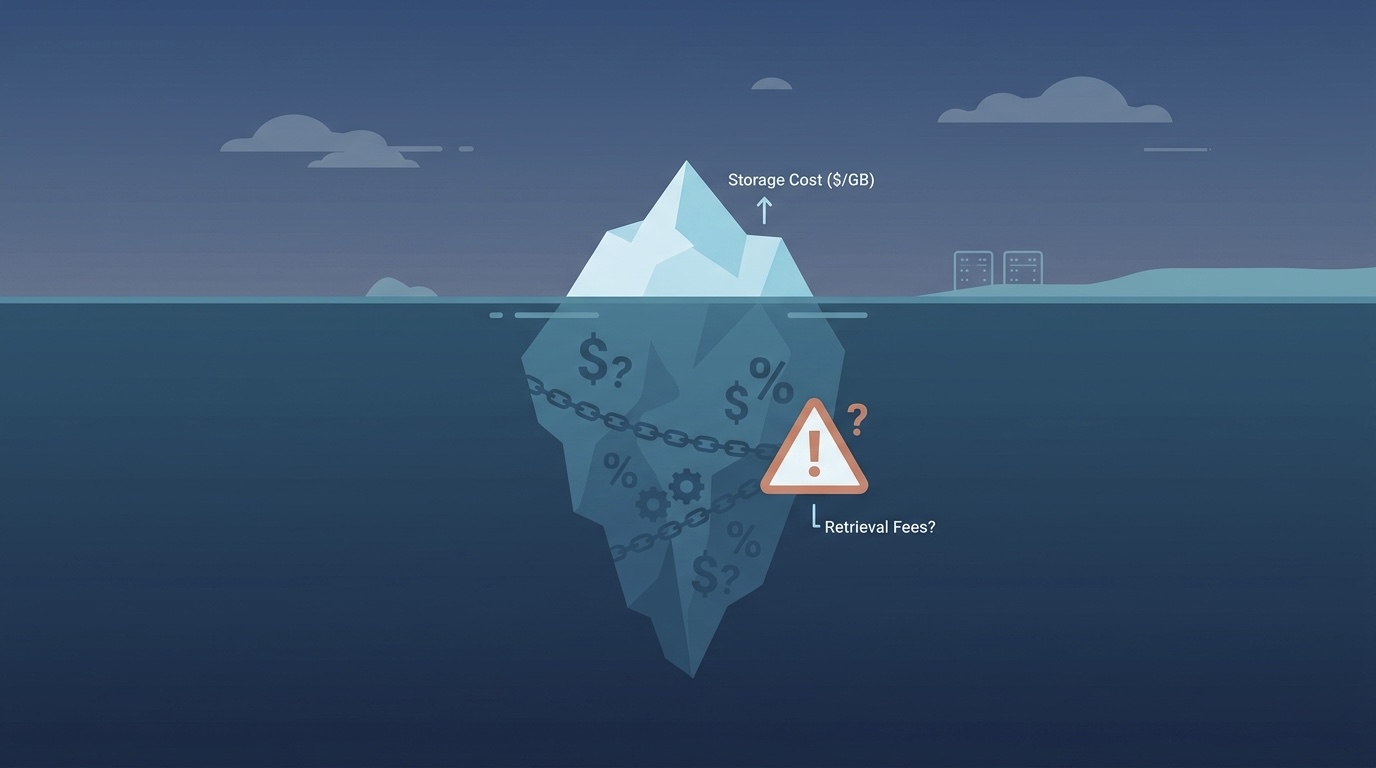
The Cloudflare Bandwidth Alliance is the key to making B2 pricing work for egress-heavy workloads. By routing traffic through Cloudflare (as a CDN, reverse proxy, or via Workers), you eliminate all egress costs. Without Cloudflare, B2 egress is $0.01/GB -- still 89% cheaper than S3's $0.09/GB, but meaningful at scale.
API Operations
| Operation Type | Cost | Free Tier |
|---|---|---|
| Class B (downloads) | $0.004 per 10,000 | 2,500/day |
| Class C (other transactions) | $0.004 per 1,000 | 2,500/day |
| Class A (uploads, LIST) | Free | -- |
Upload operations are free on B2, which is a genuine advantage for write-heavy ingestion workloads. Download (Class B) and metadata (Class C) operations have modest costs that rarely become significant except at extremely high request volumes.
What Is Not Charged
- Minimum storage duration: none (unlike Wasabi's 90 days)
- Upload operations: $0
- Deletion: $0
- Bucket creation: $0
The Cloudflare Bandwidth Alliance: How It Works
The Bandwidth Alliance is a partnership between Cloudflare and Backblaze that eliminates egress fees for data served through Cloudflare's network. Here is how to set it up:
- Create a B2 bucket with public or application-key access
- Add a Cloudflare DNS record pointing a subdomain to your B2 bucket URL
- Configure Cloudflare caching rules to cache static assets and pass dynamic requests through
- All egress through Cloudflare is free -- no configuration flag or opt-in required
The setup takes about 15 minutes and works with Cloudflare's free plan. You do not need a paid Cloudflare subscription to get free B2 egress.
Real-World B2 Cost Modeling
1TB Stored, 500GB Monthly Egress
| Provider | Storage | Egress | API (est.) | Total |
|---|---|---|---|---|
| Backblaze B2 + CF | $6.00 | $0.00 | ~$0.50 | $6.50 |
| Wasabi | $6.99 | $0.00 | $0.00 | $6.99 |
| Cloudflare R2 | $15.00 | $0.00 | ~$1.50 | $16.50 |
| AWS S3 Standard | $23.00 | $45.00 | ~$1.50 | $69.50 |
B2 + Cloudflare is the cheapest option at small scale with moderate egress. Wasabi is close but has the 1TB minimum charge and 90-day retention. R2 costs more than double for storage.
10TB Stored, 10TB Monthly Egress
| Provider | Storage | Egress | API (est.) | Total |
|---|---|---|---|---|
| Backblaze B2 + CF | $60.00 | $0.00 | ~$5.00 | $65.00 |
| Wasabi | $69.90 | $0.00 | $0.00 | $69.90 |
| Cloudflare R2 | $150.00 | $0.00 | ~$10.00 | $160.00 |
| AWS S3 Standard | $230.00 | $900.00 | ~$8.00 | $1,138.00 |
At 10TB with 1:1 egress, B2 + Cloudflare is 17x cheaper than S3 and the cheapest option overall. Wasabi is close but approaching its egress ratio limit.
100TB Stored, 200TB Monthly Egress
| Provider | Storage | Egress | API (est.) | Total |
|---|---|---|---|---|
| Backblaze B2 + CF | $600.00 | $0.00 | ~$50.00 | $650.00 |
| Cloudflare R2 | $1,500.00 | $0.00 | ~$100.00 | $1,600.00 |
| Wasabi | $699.00 | Throttled | $0.00 | Unpredictable |
| AWS S3 Standard | $2,300.00 | $16,000.00+ | ~$80.00 | $18,380.00 |
At massive scale with 2:1 egress ratio, B2 + Cloudflare saves over $17,000/month versus S3. Wasabi cannot handle this egress ratio. R2 is 2.5x more expensive for storage alone.
When Backblaze B2 Is the Right Choice
Media and content delivery at scale. Video platforms, image hosting, podcast distribution -- any workload serving large files to end users. The Cloudflare partnership gives you essentially free CDN delivery from the cheapest storage tier available.
Backup and disaster recovery. No minimum storage duration means you can delete expired backups without penalty. At $6/TB, maintaining 30-90 day backup retention is extremely affordable.
Data lakes and analytics storage. Research datasets, log aggregation, ML training data. If data is written once and read periodically, B2's free uploads and cheap storage make it ideal.
Budget-conscious startups. The 10GB free tier, free uploads, and Cloudflare free plan compatibility mean you can run real workloads at near-zero cost during early stages.
The B2 + Cloudflare Setup Guide (Under 30 Minutes)
Most teams assume this integration is complex. It is not. Here is the step-by-step process that takes 20-30 minutes from zero to serving files with free egress.
Step 1: Create a B2 Bucket (5 Minutes)
- Sign up at backblaze.com and verify your account
- Navigate to Buckets > Create a Bucket
- Set the bucket name (must be globally unique, e.g.,
yourcompany-media-prod) - Set Files in Bucket are: Public (for CDN-served assets) or Private (for authenticated access)
- Disable Object Lock unless you need compliance retention
- Note your bucket endpoint:
s3.us-west-004.backblazeb2.com(region varies)
Step 2: Generate Application Key (2 Minutes)
- Go to Account > Application Keys
- Click Add a New Application Key
- Restrict to your specific bucket (do not use master key in production)
- Set permissions: Read and Write for upload workflows, Read Only for CDN-only access
- Save the
keyIDandapplicationKey-- you will not see the key again
Step 3: Configure Cloudflare DNS + Proxy (10 Minutes)
- In Cloudflare dashboard, add a CNAME record:
- Name:
media(or your chosen subdomain) - Target:
your-bucket-name.s3.us-west-004.backblazeb2.com - Proxy status: Proxied (orange cloud ON -- this is critical for free egress)
- Name:
- Add a Transform Rule (under Rules > Transform Rules > URL Rewrite):
- When: hostname equals
media.yourdomain.com - Rewrite path: prepend
/file/your-bucket-name/ - This maps clean URLs to B2's path structure
- When: hostname equals
Step 4: Set Cache TTL and Page Rules (5 Minutes)
- Go to Caching > Cache Rules, create a rule:
- When: hostname equals
media.yourdomain.com - Cache eligibility: Eligible for cache
- Edge TTL: 30 days (or your preferred duration)
- Browser TTL: 1 year (for versioned assets) or 1 day (for mutable content)
- When: hostname equals
- Optional: Enable Tiered Cache (under Caching > Tiered Cache) to reduce origin pulls further
Step 5: Verify Zero-Egress Is Working (3 Minutes)
- Upload a test file to your B2 bucket via the web UI or
b2CLI - Access it via
https://media.yourdomain.com/test-file.jpg - Check the response headers: look for
cf-cache-status: HIT(orMISSon first request, thenHIT) - In your B2 dashboard, check Caps & Alerts > Daily Usage -- egress should show 0 bytes for Cloudflare-proxied requests
- In Cloudflare Analytics, confirm bandwidth is flowing through their network
Key Configuration Settings
| Setting | Recommended Value | Why |
|---|---|---|
| Cloudflare Proxy | Enabled (orange cloud) | Required for Bandwidth Alliance |
| SSL/TLS mode | Full (strict) | B2 supports HTTPS natively |
| Edge TTL | 30 days minimum | Reduces Class B operation costs |
| Browser TTL | Match your asset strategy | Versioned = 1 year, mutable = 1 day |
| Always Online | Enabled | Serves cached copy if B2 has brief outage |
| Tiered Cache | Enabled | Reduces origin pulls by 60-90% |
Estimated Monthly Cost After Setup
For a typical 5TB media workload with 20TB monthly delivery:
- B2 storage: $30/month
- B2 egress via Cloudflare: $0
- Cloudflare (free plan): $0
- B2 API operations (est. 5M reads): ~$2
- Total: $32/month vs $1,850+ on S3+CloudFront
When B2 Is the Wrong Choice
B2 + Cloudflare is exceptional for many workloads, but it is genuinely the wrong tool in these 4 scenarios. For each, here is the better alternative:
1. AWS Lambda Triggers and Event-Driven Processing
The problem: Your architecture relies on S3 Event Notifications to trigger Lambda functions when files are uploaded. Example: a user uploads a profile photo, Lambda auto-generates thumbnails, and SNS notifies the frontend.
B2 has no equivalent to S3 Event Notifications, EventBridge integration, or SQS triggers. You cannot build reactive pipelines without polling or external webhooks.
Better alternative: AWS S3 Standard ($23/TB) if you need the full Lambda/EventBridge ecosystem. Or Cloudflare R2 + Workers if you can adapt to Cloudflare's event model (R2 notifications via Workers are now supported).
2. Sub-10ms Latency for Compute-Adjacent Workloads
The problem: Your application makes frequent, latency-sensitive reads from storage. Example: an ML inference pipeline reads model weights or embeddings from object storage on every request. B2 has 2 regions (US-West, EU-Central). If your compute runs in us-east-1, every B2 read adds 40-80ms of cross-region latency.
Better alternative: AWS S3 in the same region as your compute (sub-5ms reads). Or if using Cloudflare Workers for compute, use R2 which is co-located with the Workers runtime.
3. Complex IAM Policies and Fine-Grained Access Control
The problem: Your security model requires per-object permissions, conditional access based on IP/VPN/role, temporary credentials via STS, cross-account access, or bucket policies with complex condition keys. Example: a healthcare platform where different user roles see different subsets of files, with audit logging on every access.
B2 supports application keys scoped to buckets and prefixes, but nothing approaching the granularity of S3 IAM policies, bucket policies, access points, or S3 Object Lambda.
Better alternative: AWS S3 with IAM policies, S3 Access Points, and CloudTrail. The security features alone justify the price premium for regulated workloads.
4. S3 Select, Athena Queries, and Analytics on Stored Data
The problem: You run SQL queries directly against data stored in object storage. Example: querying Parquet files in a data lake via Athena, or using S3 Select to extract specific columns from CSV files without downloading the entire object.
B2 has no query-in-place capability. Every analytics query requires downloading full objects, which defeats the purpose of server-side filtering.
Better alternative: AWS S3 + Athena for full SQL queries on stored data. Or Google Cloud Storage + BigQuery for similar query-in-place patterns. If your data lake needs are simpler, consider DuckDB reading directly from S3-compatible storage (works with R2).
Quick Decision Matrix
| Requirement | Use B2 + Cloudflare? | Better Alternative |
|---|---|---|
| Store and serve static files | Yes | -- |
| Event-driven processing on upload | No | S3 + Lambda or R2 + Workers |
| Same-region compute reads (<10ms) | No | S3/R2 co-located with compute |
| Per-object IAM with audit trails | No | S3 + IAM + CloudTrail |
| SQL queries on stored data | No | S3 + Athena or GCS + BigQuery |
| Backup/archive with rare restores | Yes | -- |
| CDN-delivered media at scale | Yes | -- |
| Multi-cloud with specific region needs | No | Hyperscaler in required region |
When Backblaze B2 Is Not the Right Choice
Native cloud integration requirements. B2 does not integrate with AWS Lambda, GCP Cloud Functions, or Azure Functions. If your architecture needs event-driven processing triggered by storage events, S3 or GCS is required.
Multi-region compliance. B2 has limited region availability compared to hyperscalers. If you need data in specific geographic regions for compliance, verify B2 covers your requirements.
Without Cloudflare. Direct B2 egress at $0.01/GB is cheap but not free. At 100TB egress, that is $1,000/month. The B2 value proposition depends heavily on the Cloudflare partnership.
The Bottom Line
Backblaze B2 + Cloudflare is the lowest-cost cloud storage combination for most workloads in 2026. At $6/TB storage with genuinely free egress through the Bandwidth Alliance, it undercuts every alternative on raw cost. The tradeoff is ecosystem simplicity -- you get storage, not a platform.
For the complete comparison across all major providers, read our full 2026 cloud storage pricing comparison.
If your organization is spending too much on cloud storage and you are not sure which provider is right for your workload, our cloud cost optimization team can audit your storage infrastructure and recommend the most cost-effective architecture. We typically cut storage costs by 30-60% within 90 days.
Further reading: